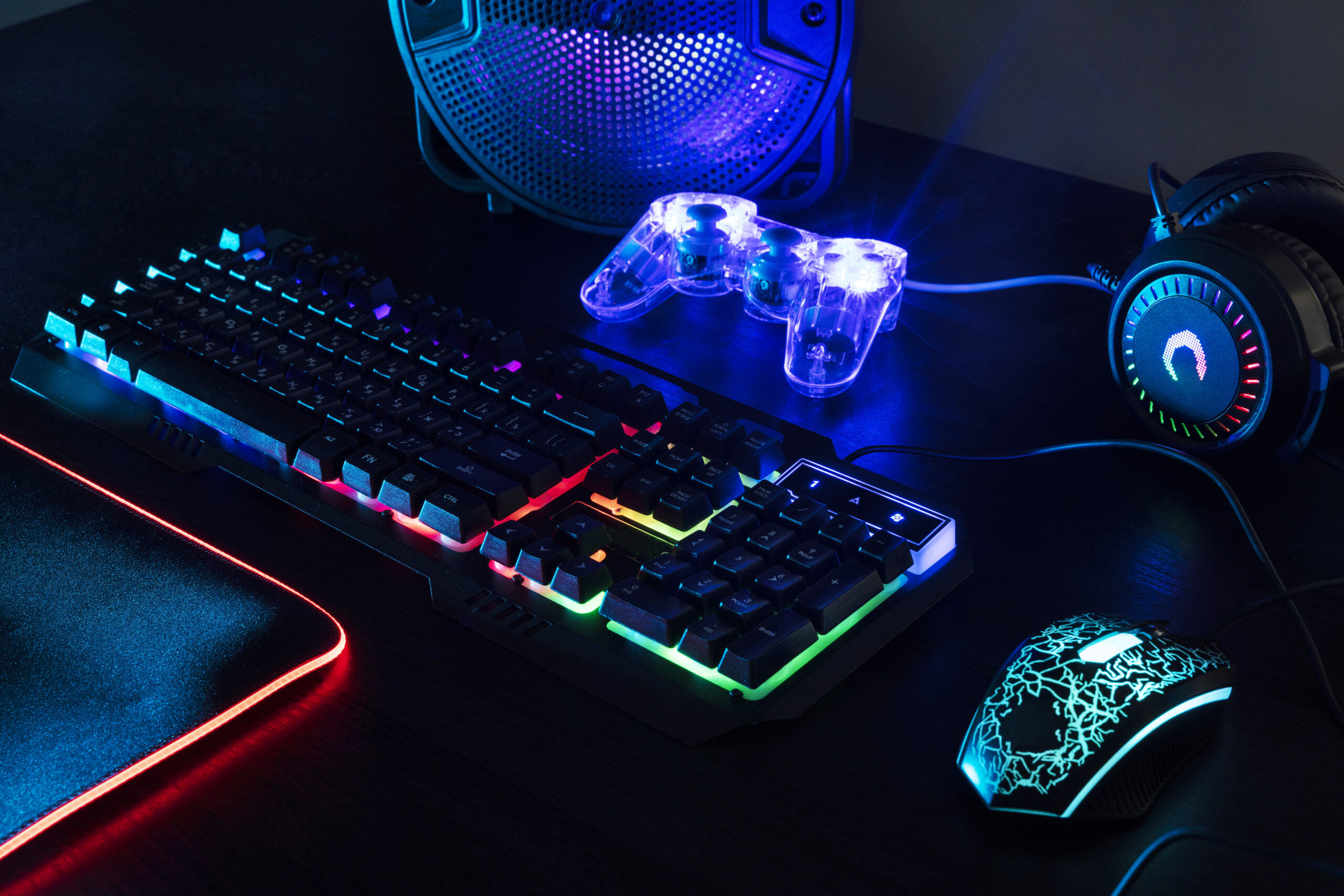








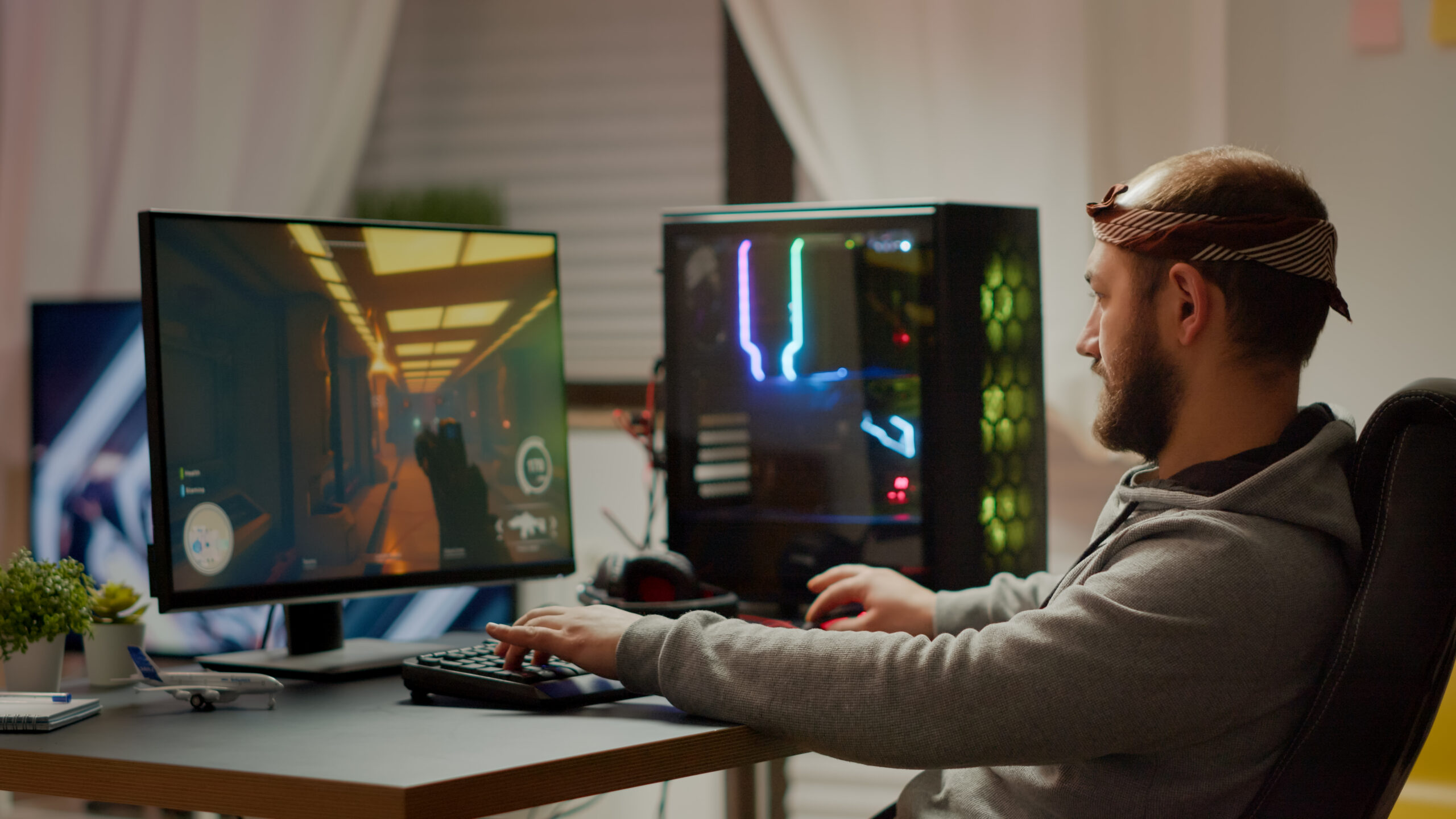
Building a gaming PC on a budget doesn’t mean sacrificing performance. With smart choices and a little research, you can assemble a powerful system that handles today’s most popular games — all without spending a fortune. Whether you’re a first-time builder or upgrading from an old setup, this guide will walk you through how to build a budget gaming PC for under $800 that can deliver smooth 1080p gameplay and even dip into 1440p performance.
How to Build a Budget Gaming PC for Under $800
When building a gaming PC on a tight budget, the key is balance. You want components that deliver strong gaming performance without overspending on flashy features that don’t boost frame rates. Here’s how to get the most performance per dollar.
Choose the Right Processor (CPU)
Your CPU is the heart of your gaming PC. For budget gaming builds, it’s best to pick a mid-range processor with a solid balance of price and performance.
-
Recommended Option: AMD Ryzen 5 5600 or Intel Core i5-12400F.
Both options offer six cores, efficient multitasking, and strong gaming performance for under $150. The Ryzen 5 5600 has great value, while the i5-12400F pairs well with budget-friendly motherboards.
Practical Note: You don’t need a high-end CPU to game smoothly at 1080p — focus on pairing your processor with a strong GPU.
Pick a Budget-Friendly Graphics Card (GPU)
The GPU is the most important component for gaming. For an $800 build, you’ll need to strike the right balance between power and price.
-
Recommended Options:
-
NVIDIA GeForce RTX 3060 (12GB)
-
AMD Radeon RX 6600 XT
-
Both GPUs deliver great 1080p and decent 1440p performance. Prices can fluctuate, but these models typically range between $250–$300 depending on deals.
Practical Note: Check recent price drops and bundle offers — GPUs often go on sale, especially during seasonal promotions.
Select a Compatible Motherboard
A good motherboard doesn’t need to be expensive — but it should have the right features for your CPU and allow easy future upgrades.
-
Recommended Options:
-
For AMD: B550 chipset motherboards
-
For Intel: B660 chipset motherboards
-
Both support fast NVMe SSDs, decent VRMs, and easy BIOS updates. Expect to spend around $100–$120.
Practical Note: Avoid overspending on RGB lighting or high-end boards unless you plan on heavy overclocking.
Get Fast and Reliable RAM
For gaming, 16GB DDR4 RAM (3200MHz or faster) is the sweet spot. It ensures smooth multitasking and future-proof performance.
-
Recommended Option: Corsair Vengeance LPX or G.Skill Ripjaws V kits.
Prices hover around $40–$50.
RAM speed can slightly improve frame rates, especially for AMD builds.
Choose a Solid-State Drive (SSD)
A fast SSD doesn’t just reduce load times — it makes your system feel more responsive.
-
Recommended Option: 1TB NVMe SSD (PCIe 3.0).
-
Models like Crucial P3 or WD Blue SN570 are reliable and affordable (around $50–$60).
-
If you’re on a tighter budget, pair a 500GB SSD with a 1TB HDD for extra storage.
Power Supply Unit (PSU) and Case
A reliable power supply is crucial. Don’t cheap out here — a bad PSU can damage your components.
-
Recommended PSU: 550W–650W 80+ Bronze certified (EVGA, Corsair, or Thermaltake).
Budget: $50–$70.
For the case, go for something with good airflow and easy cable management.
-
Recommended Case: NZXT H510 or Cooler Master MasterBox Q300L ($60–$80).
Budget Breakdown Table
| Component | Recommended Model | Estimated Cost |
|---|---|---|
| CPU | AMD Ryzen 5 5600 / i5-12400F | $140 |
| GPU | RTX 3060 / RX 6600 XT | $280 |
| Motherboard | B550 / B660 | $110 |
| RAM (16GB DDR4) | Corsair Vengeance LPX | $45 |
| Storage (1TB SSD) | Crucial P3 / WD Blue SN570 | $55 |
| PSU (550–650W) | EVGA / Corsair 80+ Bronze | $60 |
| Case | NZXT H510 / Cooler Master Q300L | $70 |
| Total Estimated Cost | $760 |
This leaves about $40 for extras like additional fans, thermal paste, or LED lighting for style.
Operating System and Peripherals
If you already have a monitor, keyboard, and mouse, you’re set. For the OS, you can install Windows 10 or 11 and activate it later — or use a free Linux distribution for gaming.
Practical Note: Save more by reusing old peripherals or waiting for Black Friday deals on gaming monitors and accessories.
Building Tips for Beginners
If this is your first PC build, take it slow and follow tutorials. Most components fit only one way, so it’s hard to make major mistakes if you’re careful.
-
Organize your workspace: Keep screws, cables, and manuals handy.
-
Test before final assembly: Run your motherboard, CPU, RAM, and GPU outside the case to check if it posts.
-
Cable management matters: It keeps airflow smooth and your PC looking neat.
For more hardware and gaming insights, MBM (Market Business Magazine) regularly publishes expert tips and performance comparisons to help gamers stay informed and budget-smart.
Future Upgrades
Your $800 gaming PC can easily evolve. Down the line, you can:
-
Upgrade to a better GPU like an RTX 4070 for higher FPS at 1440p.
-
Add 32GB RAM for heavier multitasking or streaming.
-
Replace the stock cooler for quieter performance.
Planning your build with upgrade paths in mind ensures your investment lasts longer. Stay tuned to MBM (Market Business Magazine) for future hardware trend updates and affordable upgrade guides.
Final Thoughts
Building a gaming PC for under $800 is absolutely possible — and rewarding. With the right combination of parts, you can enjoy modern titles like Call of Duty: Warzone, Cyberpunk 2077, or Fortnite at high settings and smooth frame rates. Remember, balance is everything — spend smart, not more.
By carefully selecting each part and keeping an eye on deals, you can create a system that competes with prebuilt PCs twice the cost. Start building today and experience the satisfaction of gaming on a machine you designed yourself.